

 15
 1.2k
 0
 12
 5M


Accounts
Connect TikTok, Instagram, YouTube and the rest once.
Real-time clips from your stream, posted to your socials and shown to your chat - while you're still live.
Start free
“The ability to quickly clip, save, edit and manage my clips on the TL:DR Dashboard has been insanely helpful for my productivity.

“AI clips the important moments when you’re in the zone, and saying “TL;DR, clip that!” catches the hype moments you want to relive.”

“TL;DR has made life so much easier. Letting my viewers just scroll down click a button and be brought up to speed is 10/10 would recommend.”

"TL;DR is the like the viewer that never sleeps. Always there to clip the most epic moments!”
Every hour you stream creates dozens of potential viral moments. But who has time to find them, edit them, and post them across platforms? Most content creation happens after you end your stream – when you're already exhausted.
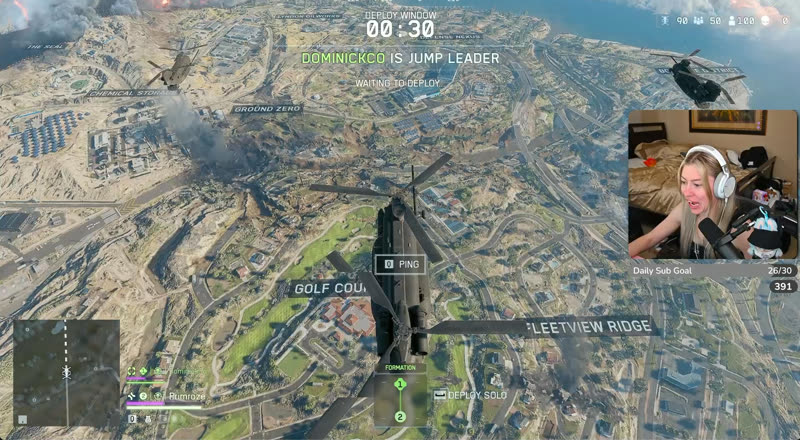
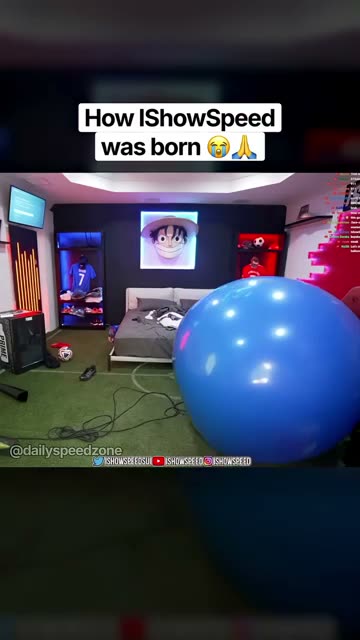
Most clipping tools work from the VOD, once the stream is over and the moment has passed. TL;DR clips as it happens, posts the clip to your socials to bring new people in, and keeps it in the TL;DR Twitch Extension on your channel so latecomers can catch up.
Detect high energy gameplay, funny reactions and moments, and chat hype automatically
Capture perfectly-timed clips without interrupting your flow
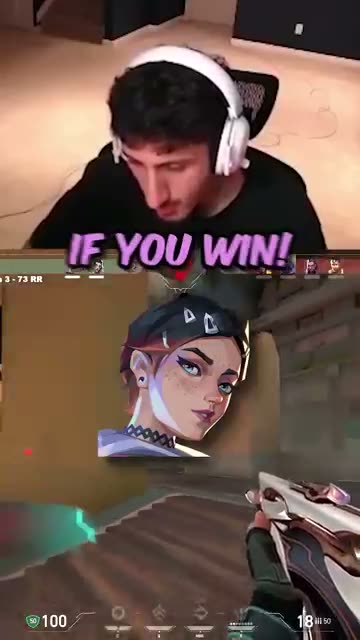
Creates both horizontal (16:9) and (9:16) formats
Works while you focus on what matters: Creating great content for your viewers

"A solution to a problem streamers of all sizes have, ai clips important moments when you’re in the zone

The work doesn't stop when you end stream. The fastest-growing creators post short clips every day to pull in viewers from outside their main platform. TL;DR's scheduler does that for you in a few clicks.
See the schedulerSchedule your viral clips to drop automatically on TikTok, Instagram Reels & YouTube
Hit peak hours without staying awake. Queue up a week of posts in just minutes
Learn which content from your stream performs the best
Built-in video editor. Add captions and your layout, then export in 1080p
No more "what did I miss?" moments. TL;DR automatically displays your stream's most hype moments directly under your live broadcast, letting viewers catch up instantly and keeping your community engaged with your best content.
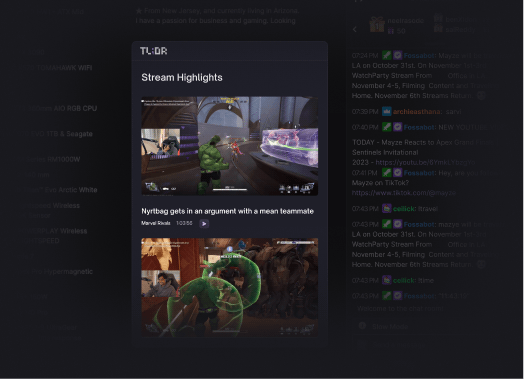
Showcase real-time highlights below your Twitch Stream for easy viewing & engagement
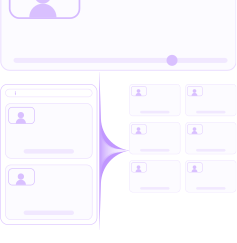
Helps new viewers know what's happening without going back in the stream
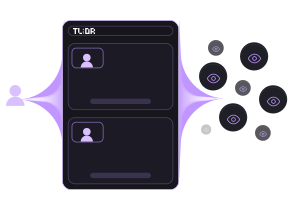
Increases retention by giving context to late-arriving viewers
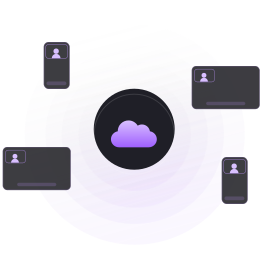
Fully cloud-based. All your clips are stored in the dashboard with no software download.
Turn it on once. The first clip TL;DR catches goes into your vertical template and out to your socials while you're still streaming, with one message: come join the stream. The people who see it can join the stream that's still on.
Your first clip goes out as a vertical post. Webcam on top, game below, a LIVE badge and one line: come join my livestream.
New viewers join while you're still live. Each post says you're live right now and points people to your Twitch or Kick channel.
Connect your accounts once. Post now or schedule from the calendar to TikTok, Instagram, YouTube and the rest. Then see every stream's views and clips next to the last one, so you know what's working.
Connect TikTok, Instagram, YouTube and the rest once.
Post now, or queue a week from the calendar.

Views and clips for every stream, next to the last one.
“The ability to quickly clip, save, edit and manage my clips on the TL:DR Dashboard has been insanely helpful for my productivity.
“AI clips the important moments when you’re in the zone, and saying “TL;DR, clip that!” catches the hype moments you want to relive.”
“TL;DR has made life so much easier. Letting my viewers just scroll down click a button and be brought up to speed is 10/10 would recommend.”
"TL;DR is the like the viewer that never sleeps. Always there to clip the most epic moments!”
Everything you need to know before you start.
TL;DR has been carefully reviewed and approved by Twitch for months before we were even able to launch it, so yes, it’s 100% safe to use and validated by them.
Yes. The Free plan is $0: live clipping on 3 streams a month (the first 2 hours of each), 60 credits, 3 exports a week at 720p, voice clipping and the TL;DR Twitch Extension. Exports after your first each week carry a small TL;DR watermark.
Pulse is $19.99 a month: 30 hours of live clipping, 360 credits and 50 exports a month at 1080p with no watermark. Peak is $39.99 a month: 60 hours of live clipping, 900 credits and 150 exports a month at 1080p. Past your hours, we keep clipping on credits. Cancel any time.
No. The Free plan doesn't ask for one.
TL;DR uses advanced AI pattern recognition to take automatic clips using video analysis, chat activity, and voice recognition. However, it also has a “manual” feature, which allows you to take clips whenever you want simply by saying “TL;DR Clip That”.
No, there’s no limits as to how many clips you can take with TL;DR!
No. TL;DR runs in the cloud. Add the Twitch extension and you're set.