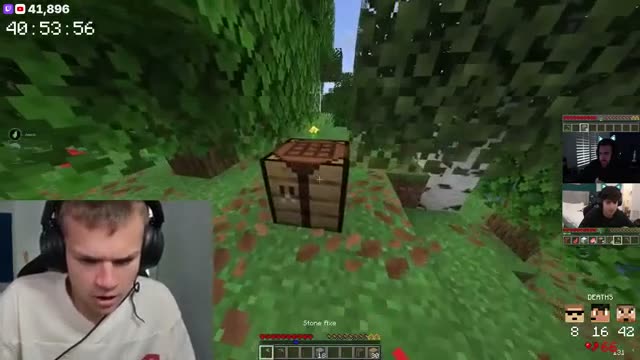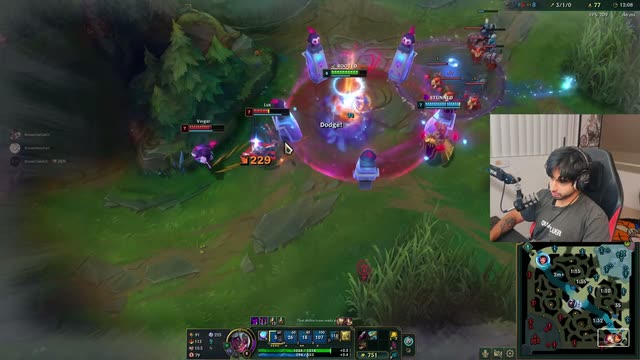
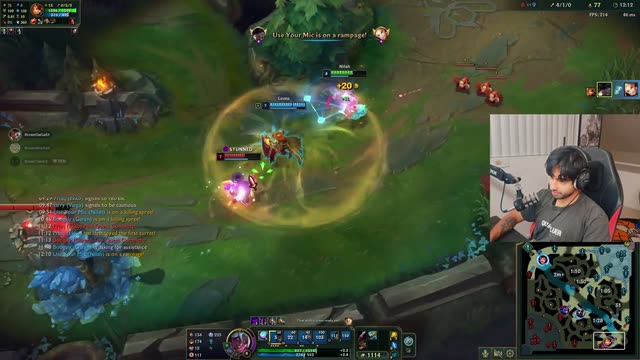
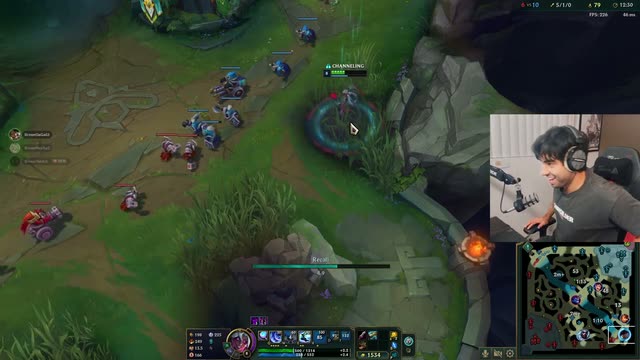
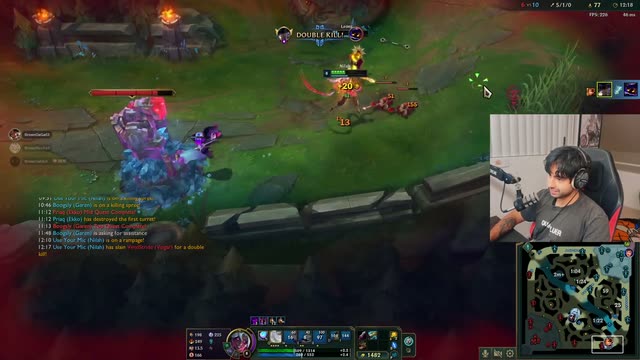
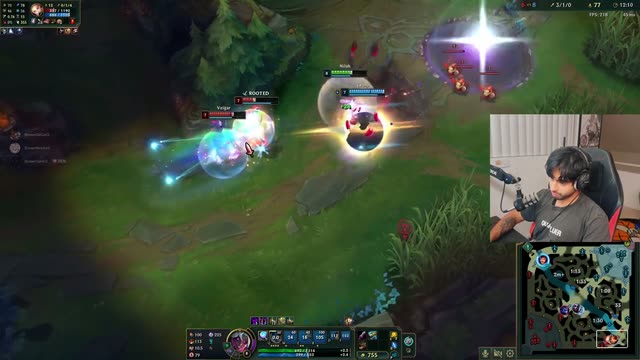


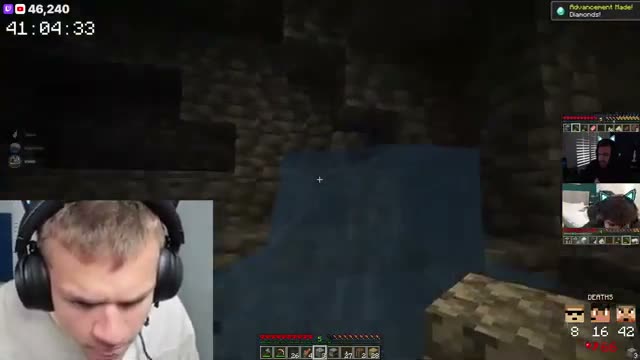
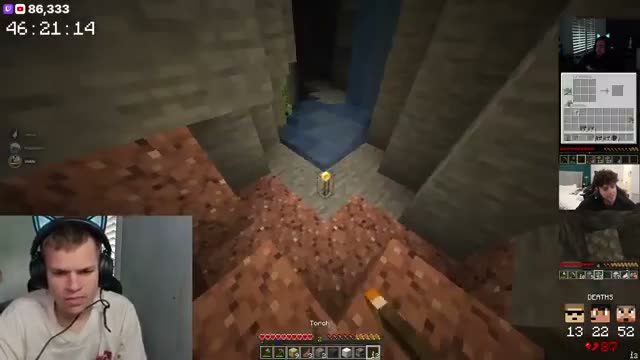
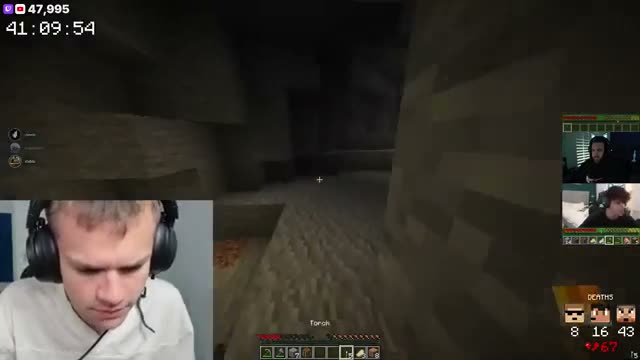
Live clipping
TL;DR clips your stream while it's on. Say "clip that" to grab one yourself.
Say the words on stream and TL;DR clips the moment, with no hotkey to find and nothing to alt-tab to.
Start free
“The ability to quickly clip, save, edit and manage my clips on the TL:DR Dashboard has been insanely helpful for my productivity.

“AI clips the important moments when you’re in the zone, and saying “TL;DR, clip that!” catches the hype moments you want to relive.”

“TL;DR has made life so much easier. Letting my viewers just scroll down click a button and be brought up to speed is 10/10 would recommend.”

"TL;DR is the like the viewer that never sleeps. Always there to clip the most epic moments!”
TL;DR listens for your wake words while you're live. Say one and it saves the moment as a voice clip, up to 30 seconds on Free, 60 seconds on Pulse and 2 minutes on Peak.
It works from your first stream, with three phrases already set up. There's no hotkey to learn and no window to switch to.

Add phrases that sound like you, and TL;DR clips when it hears them. Pulse gives you 5 wake words and Peak gives you 20.
Every voice clip is marked with the words you used, so it's easy to spot in your library.

Voice commands work in English, Spanish, Russian, French, German, Portuguese, Japanese, Chinese, Italian and Polish.
Pick a language and set your commands for it, so you can clip the way you actually talk on stream.

Stream Deck support is on the way: one key on your desk, one clip, for the moments you'd rather not say out loud.
It isn't available yet, and it's coming to Pulse and Peak. Voice clips work today on every plan.
Most streamers stitch together a clipper, an editor, a scheduler and a spreadsheet. TL;DR is all four, so a clip goes from your stream to your socials without ever leaving.
TL;DR clips your stream while it's on. Say "clip that" to grab one yourself.
Captions, vertical reframe, your layouts and assets. Edit in the browser, export in 1080p.
Post now or queue a week of clips to TikTok, Instagram, YouTube, X, Facebook and Threads.
Views, likes, shares and engagement per post, so you know which moments travel.
Say one of your wake words while you’re live, like “TL;DR, clip that”, and TL;DR saves the moment as a voice clip. There’s nothing to press and nothing to install.
Up to 30 seconds on Free, 60 seconds on Pulse and 2 minutes on Peak.
Yes. Voice clips are on every plan, including Free, which clips 3 streams a month, the first 2 hours of each. Pulse clips 30 hours a month and Peak 60, and you can keep going past that on credits.
Yes. Pulse lets you add 5 and Peak 20, from Voice Commands in your dashboard.
English, Spanish, Russian, French, German, Portuguese, Japanese, Chinese, Italian and Polish. You set your custom commands for each language.
Yes. TL;DR clips your stream on both Twitch and Kick.
Soon. It isn’t available yet and we don’t have a date to share, but it’s on the way for Pulse and Peak.