

 15
 1.2k
 0
 12
 5M

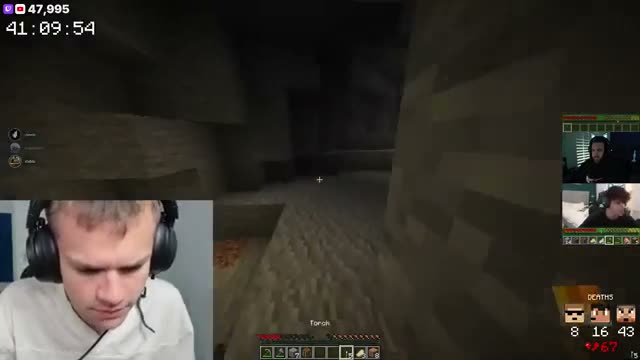
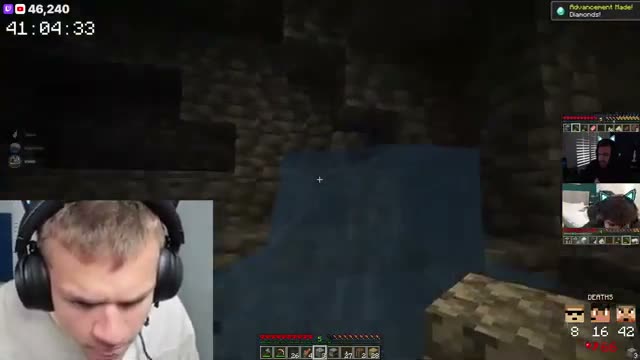
Live clipping
TL;DR clips your stream while it's on. Say "clip that" to grab one yourself.
Your best moments sit right under your stream, so new viewers see what the hype was about and stick around.
Start free
“The ability to quickly clip, save, edit and manage my clips on the TL:DR Dashboard has been insanely helpful for my productivity.

“AI clips the important moments when you’re in the zone, and saying “TL;DR, clip that!” catches the hype moments you want to relive.”

“TL;DR has made life so much easier. Letting my viewers just scroll down click a button and be brought up to speed is 10/10 would recommend.”

"TL;DR is the like the viewer that never sleeps. Always there to clip the most epic moments!”
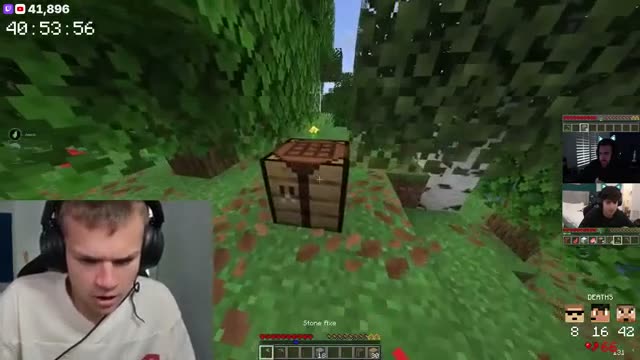
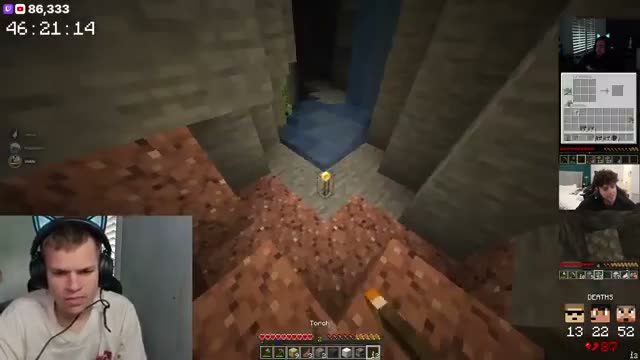
TL;DR clips your highlights as they happen and each one lands in the panel, newest on top.
You don't touch it while you're live, and nobody needs to post links in chat. When someone turns up an hour in, the best bits are already waiting.

Viewers watch a clip right there on your channel, then react with an emoji or share it with a friend.
Your regulars get to pile on a good moment, and a shared clip can bring someone new to a stream that's still on.
Connect your Twitch channel to TL;DR, then add TL;DR as a panel from Extensions in your Twitch Creator Dashboard.
After that it runs by itself every time you go live, with nothing to install on your PC.
The clips in the panel are in your TL;DR dashboard too, so nothing stays stuck on your channel page.
Open one in the video editor, or schedule it to your socials.
Most streamers stitch together a clipper, an editor, a scheduler and a spreadsheet. TL;DR is all four, so a clip goes from your stream to your socials without ever leaving.
TL;DR clips your stream while it's on. Say "clip that" to grab one yourself.
Captions, vertical reframe, your layouts and assets. Edit in the browser, export in 1080p.
Post now or queue a week of clips to TikTok, Instagram, YouTube, X, Facebook and Threads.
Views, likes, shares and engagement per post, so you know which moments travel.
Yes. The TL;DR Twitch Extension is on every plan, including Free.
Yes. It’s an official Twitch Extension, reviewed and approved by Twitch.
In the panels under your stream, on your Twitch channel page.
No. They watch the clip right in the panel, while your stream keeps going.
No. TL;DR clips your highlights as they happen and each one lands in the panel by itself.
No. TL;DR runs in the cloud, so there’s nothing to install on your PC.
No. It’s a Twitch extension, so it’s only on Twitch. TL;DR still clips your Kick streams, and those clips are in your dashboard.