

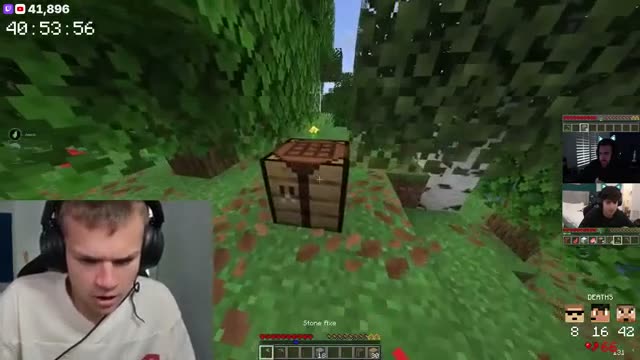
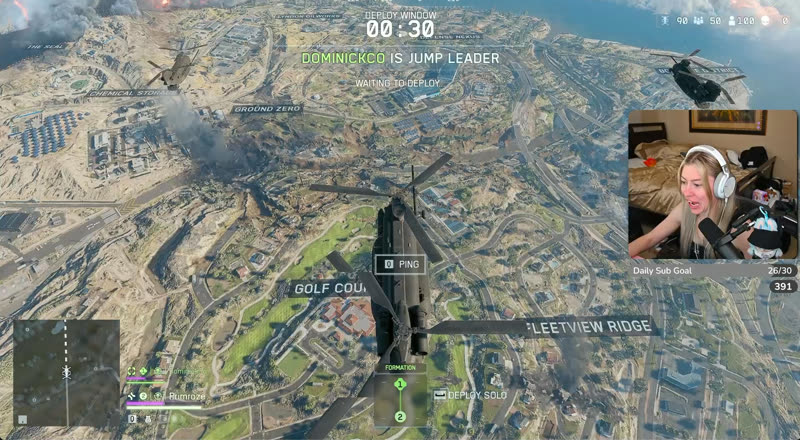
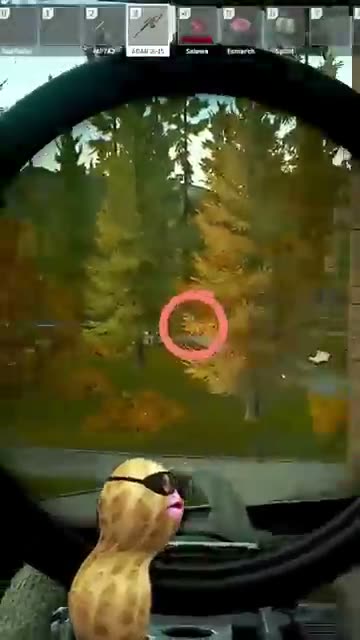
Live clipping
TL;DR clips your stream while it's on. Say "clip that" to grab one yourself.
TL;DR watches your Twitch or Kick stream and clips the best moments as they happen, so they're ready before you go offline.
Start free
“The ability to quickly clip, save, edit and manage my clips on the TL:DR Dashboard has been insanely helpful for my productivity.

“AI clips the important moments when you’re in the zone, and saying “TL;DR, clip that!” catches the hype moments you want to relive.”

“TL;DR has made life so much easier. Letting my viewers just scroll down click a button and be brought up to speed is 10/10 would recommend.”

"TL;DR is the like the viewer that never sleeps. Always there to clip the most epic moments!”
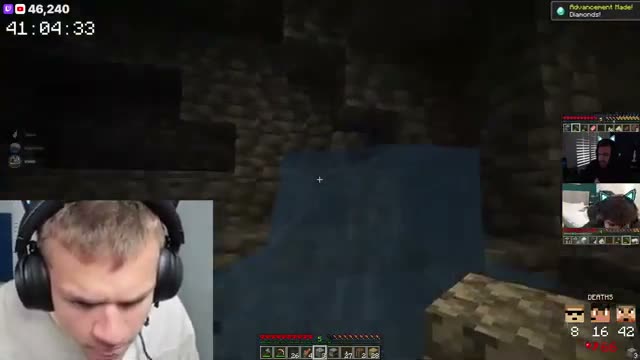
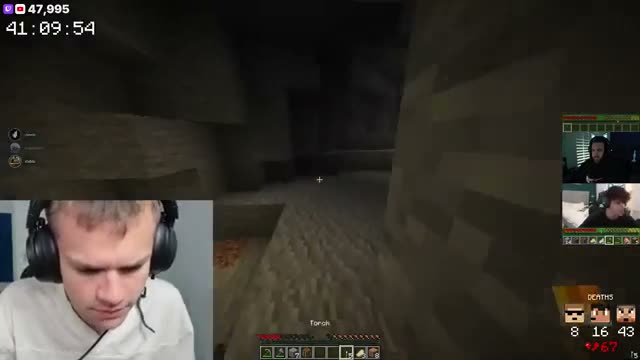
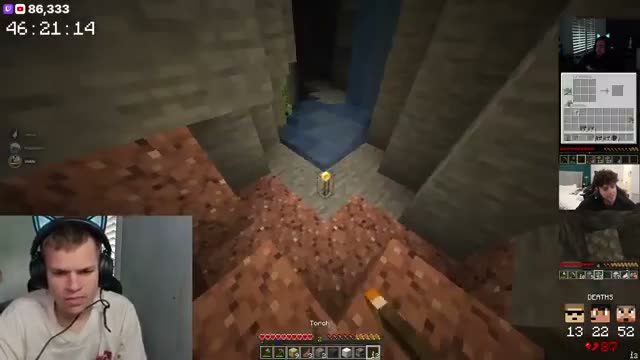
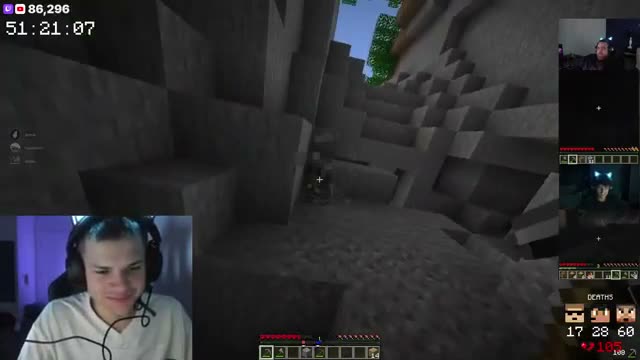
TL;DR watches for high-energy gameplay, funny reactions and chat hype, and clips them on its own. Each clip lands in your library under that stream, ready to edit, save or post.
Every plan, Free included, uses our most advanced clipping. Plans differ in how many live hours you get and how long your clips can be.

Something happened that you want for sure? Say “TL;DR, clip that” on stream and you get a voice clip, marked with the words you used. It runs up to 30 seconds on Free, 60 seconds on Pulse and 2 minutes on Peak.
Free listens for “TL;DR, clip that”. On Pulse you can add 5 wake words of your own, and 20 on Peak.

Go live on Twitch or Kick and TL;DR starts clipping. You don't need to open TL;DR or do anything in it.
There's nothing to install either. It runs in the cloud, not on your PC.

Your dashboard shows the views, clips and voice clips from your last stream, each compared with the stream before.
The chat activity chart shows when chat picked up, so you can see which parts of the stream landed.
Most streamers stitch together a clipper, an editor, a scheduler and a spreadsheet. TL;DR is all four, so a clip goes from your stream to your socials without ever leaving.
TL;DR clips your stream while it's on. Say "clip that" to grab one yourself.
Captions, vertical reframe, your layouts and assets. Edit in the browser, export in 1080p.
Post now or queue a week of clips to TikTok, Instagram, YouTube, X, Facebook and Threads.
Views, likes, shares and engagement per post, so you know which moments travel.
Twitch and Kick. Connect your channel and TL;DR picks up your stream as soon as you go live.
No. TL;DR runs in the cloud, so there's nothing to install and nothing to keep open while you stream.
AI clips are up to 60 seconds on Free and Pulse, and up to 2 minutes on Peak. Voice clips are up to 30 seconds on Free, 60 seconds on Pulse and 2 minutes on Peak.
Yes. The Free plan clips 3 streams a month, the first 2 hours of each. Pulse clips 30 hours a month and Peak 60, and you can keep going past that on credits.
A phrase that tells TL;DR to clip right now, like “TL;DR, clip that”. Free listens for that one. Pulse lets you add 5 of your own and Peak 20.
Yes. Hit Edit Clip on any clip to open it in the TL;DR video editor, right in your browser. You can also save it to your library or post it from the scheduler.